

How to Integrate TemanQRIS API into Your Web Application

Rizaldy Primanta Putra
Developer & WriterDecember 25, 2025
Published
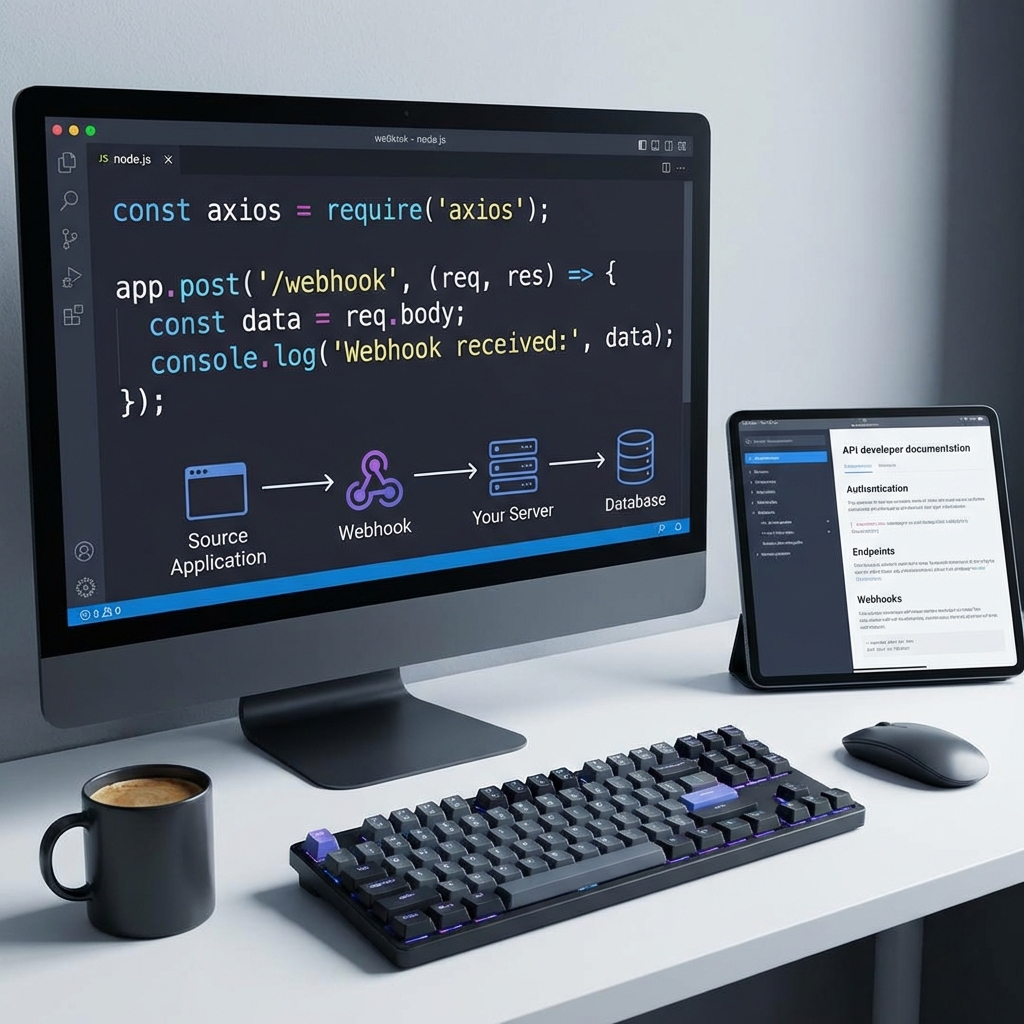
Ready to add QRIS payments to your web application? This guide walks through the complete integration process using the TemanQRIS API. By the end, you'll have a working payment flow from QR code generation to payment confirmation.
Before starting, ensure you have an active TemanQRIS account and have retrieved your API credentials from the dashboard.
Step 1: Setting Up Your Environment
First, store your API credentials securely. Never expose these in client-side code or commit them to version control.
// Environment variables (.env)
TEMANQRIS_API_KEY=your_api_key_here
TEMANQRIS_WEBHOOK_SECRET=your_webhook_secret
Create a server-side module to handle TemanQRIS operations. All API calls should originate from your backend to protect credentials.
Step 2: Creating a Payment Request
When a customer initiates checkout, your application needs to generate a QRIS code. Here's the basic flow:
async function createQrisPayment(amount, orderId) {
    const response = await fetch('https://api.temanqris.com/v1/create', {
        method: 'POST',
        headers: {
            'Authorization': `Bearer ${process.env.TEMANQRIS_API_KEY}`,
            'Content-Type': 'application/json'
        },
        body: JSON.stringify({
            amount: amount,
            external_id: orderId,
            description: `Order #${orderId}`
        })
    });
    return response.json();
}
The response includes a QR code URL that you display to your customer. The customer scans this code with their preferred payment app.
Step 3: Handling Webhooks
TemanQRIS sends webhook notifications when payments complete. Configure your webhook endpoint in the TemanQRIS dashboard.
app.post('/webhook/temanqris', (req, res) => {
    // Verify webhook signature
    const signature = req.headers['x-signature'];
    const isValid = verifySignature(signature, req.body);

    if (!isValid) {
        return res.status(401).send('Invalid signature');
    }

    // Process the payment confirmation
    const { external_id, status, amount } = req.body;

    if (status === 'PAID') {
        updateOrderStatus(external_id, 'paid');
    }

    res.status(200).send('OK');
});
Step 4: Displaying Payment Status
While waiting for payment, your frontend should poll for status updates or use WebSocket connections for real-time updates. Display appropriate feedback to keep customers informed.
- Show the QR code prominently
- Display expiration countdown
- Indicate when payment is detected
- Redirect to confirmation on success
Step 5: Testing Your Integration
TemanQRIS provides sandbox credentials for testing. Always verify your integration in sandbox mode before processing real payments. Test various scenarios:
- Successful payments
- Expired QR codes
- Partial amounts (if applicable)
- Webhook failure recovery
"Thorough testing in sandbox mode prevents production surprises. Never skip this step."
— Integration Best Practices
Common Integration Tips
Idempotency - Design webhook handlers to safely process the same notification multiple times. Webhooks may be retried.
Error Handling - Implement proper error handling for API failures. Display user-friendly messages when issues occur.
Timeout Management - QR codes expire. Handle expiration gracefully and allow customers to generate new codes.
Logging - Log all payment events for debugging and reconciliation purposes.
Going Live
Once testing completes successfully, switch from sandbox to production credentials. Monitor early transactions closely to catch any unexpected issues quickly.
TemanQRIS integration brings modern payment capabilities to your application with minimal complexity. The documentation covers additional features and edge cases beyond this introduction. Check the official resources for complete API reference.
Related Posts

Why Developers Around the World Are Falling in Lov...
Discover why thousands of developers choose Template.pw as their go-to source fo...
Read more
Understanding GPL License: Why It Matters for Word...
A comprehensive guide to GPL licensing and why it is the foundation of WordPress...
Read more